New Workflow
Two ways to create workflows are currently supported: one by manually creating the workflow from the rill-flow background and the other by importing the existing workflow.
Create Workflow Manually
Manually creating workflows takes mainly two steps, first creating basic workflow information and then building workflows using nodes in the list of business needs.
Workflow Basics Information
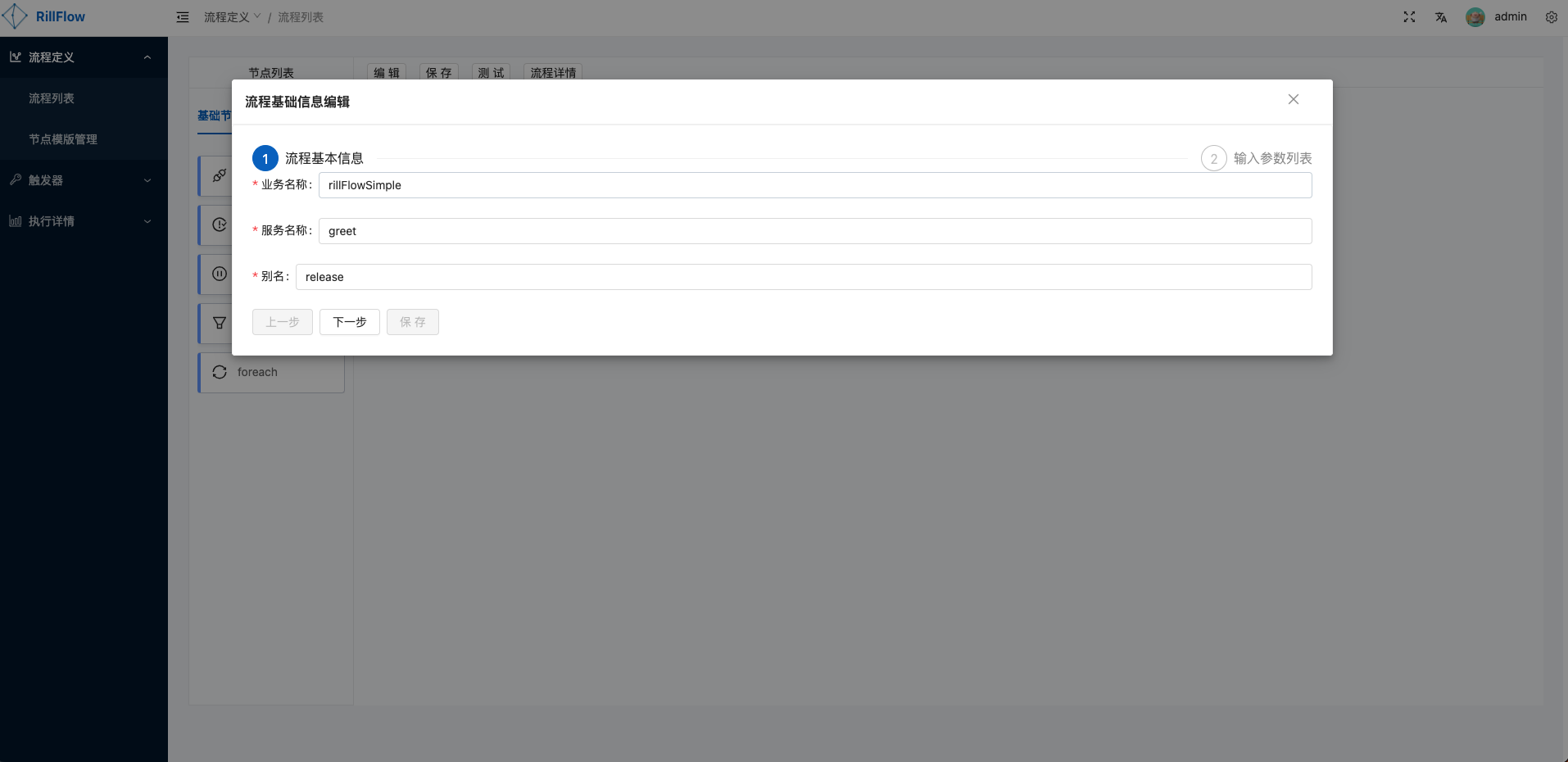
Define workflow meta information
The required information has a business name, service name and alias.See关键名词说明.
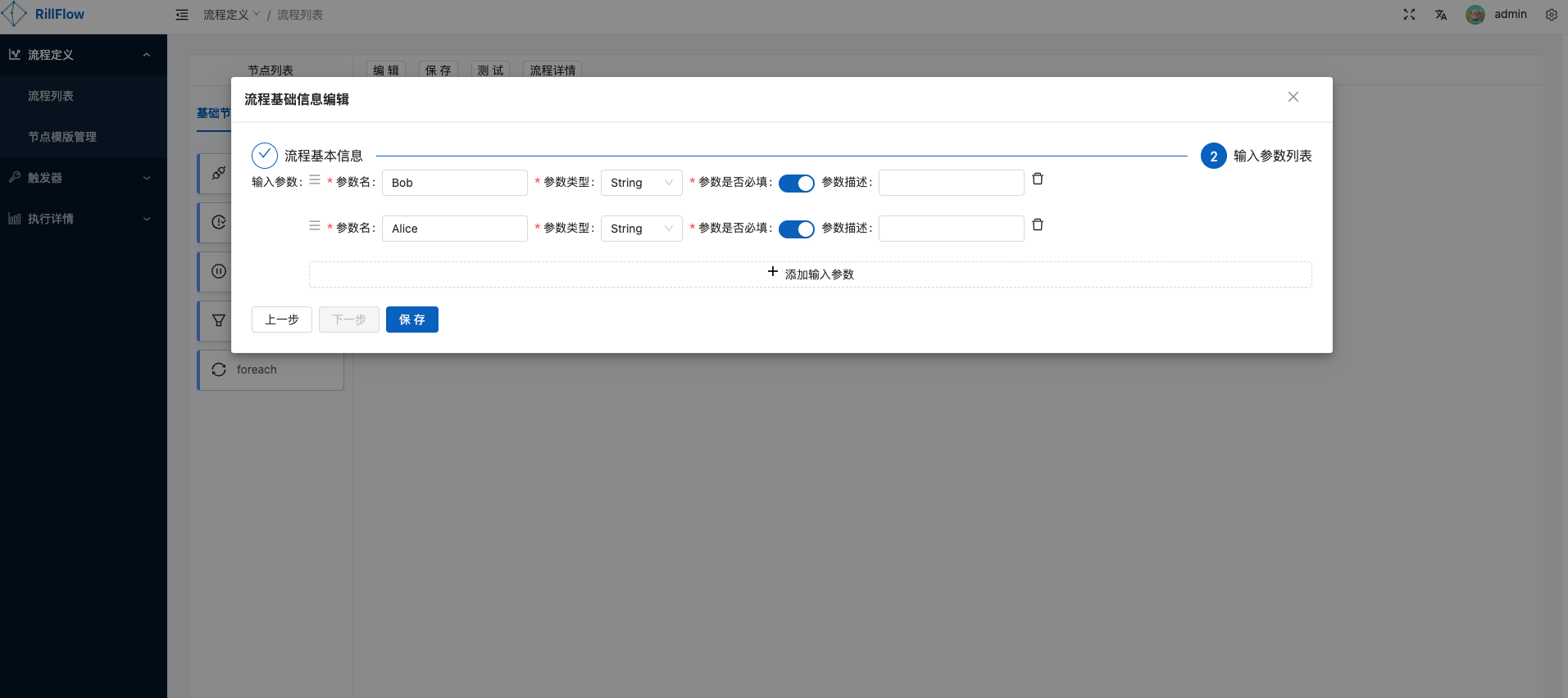
Define list of workflow input parameters
This list is the initial parameter for workflow starting.Initial arguments support four types: String, Number, Boolean, JSON.
Flow chart by business
Build workflows using nodes in the list of nodes based on business needs.The list of nodes primarily contains base and template nodes.
Base Node
Template Nodes
See节点模版列表
Save Workflow
Click the Save button, verify the process basic information and input parameter list to save the workflow.
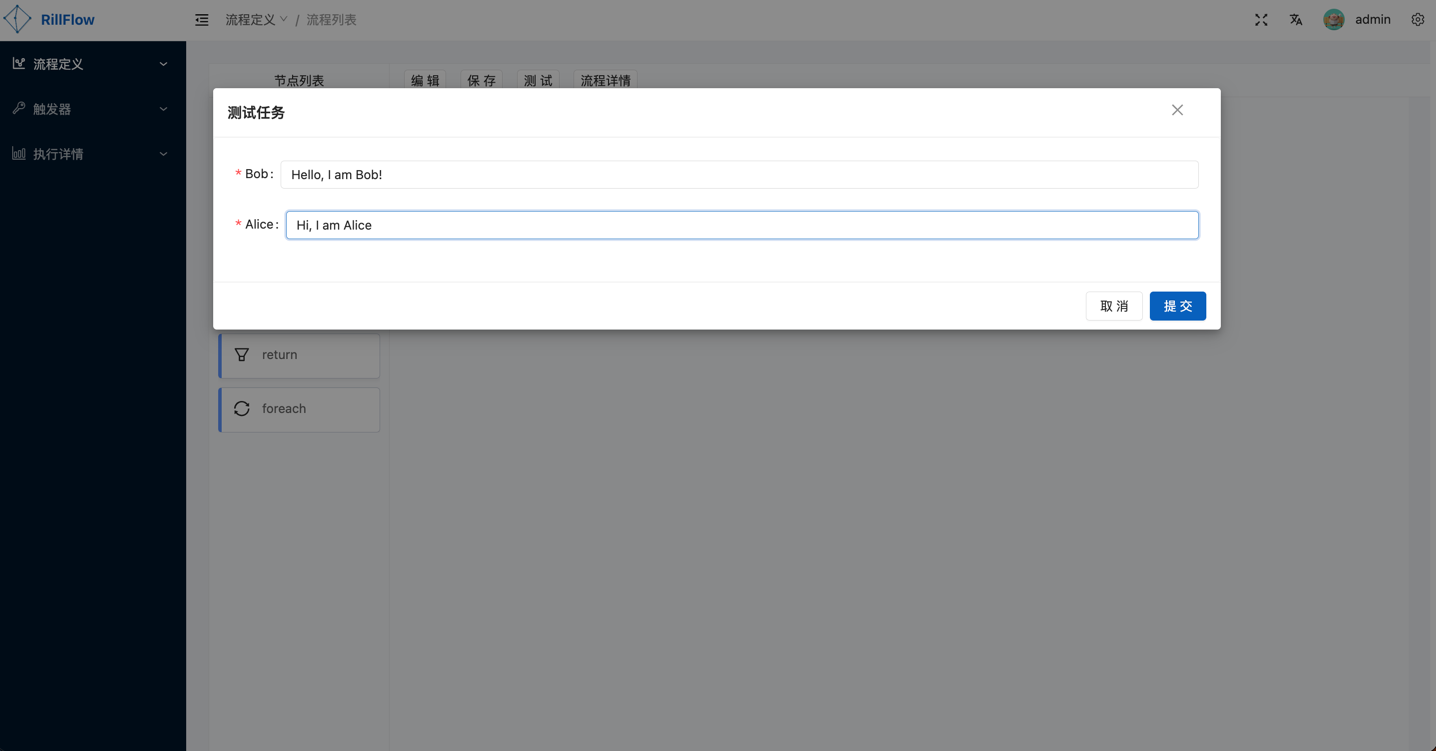
Test Workflow
Click the test button to enter a specific parameter value.
Import Workflow
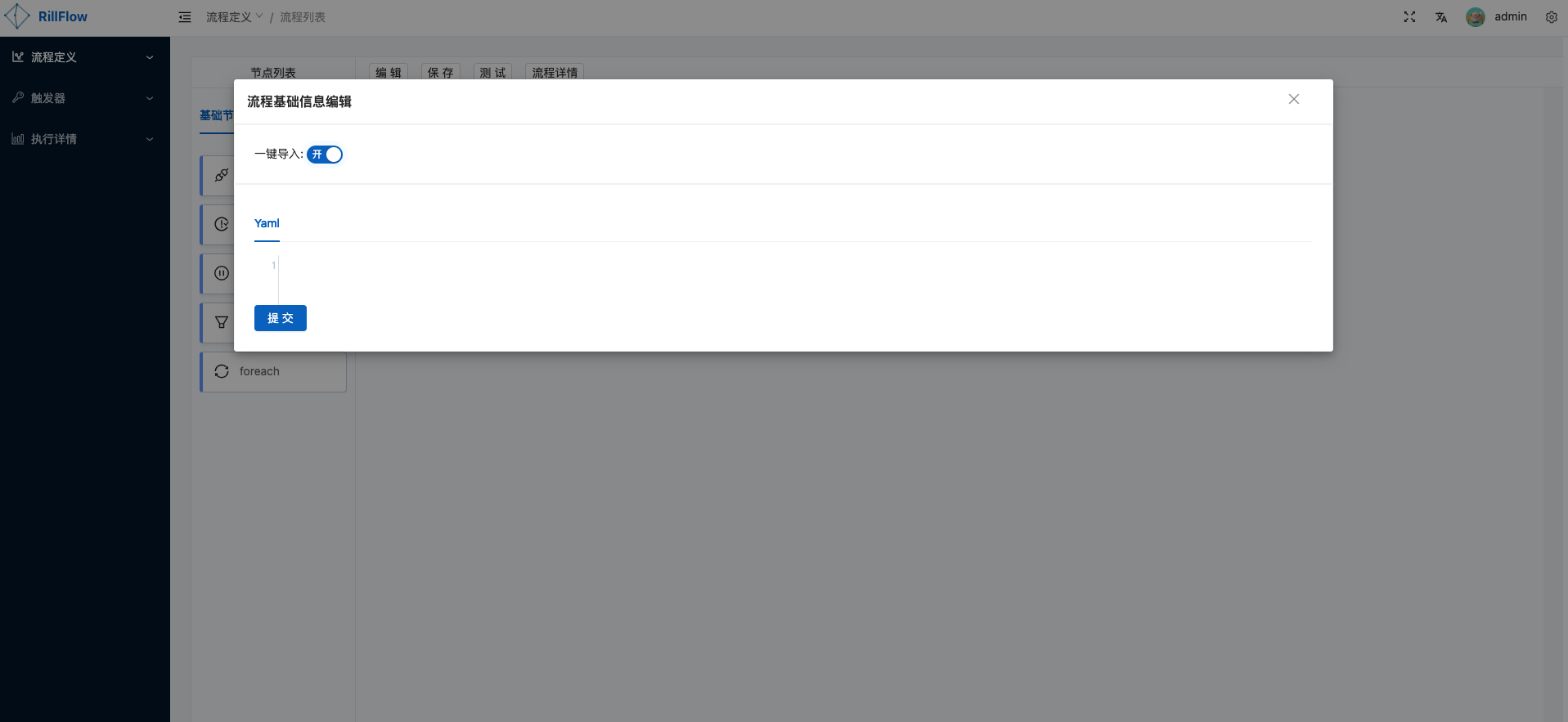
To facilitate quick creation of workflows by users, we provide the functionality to import one click into workflow.
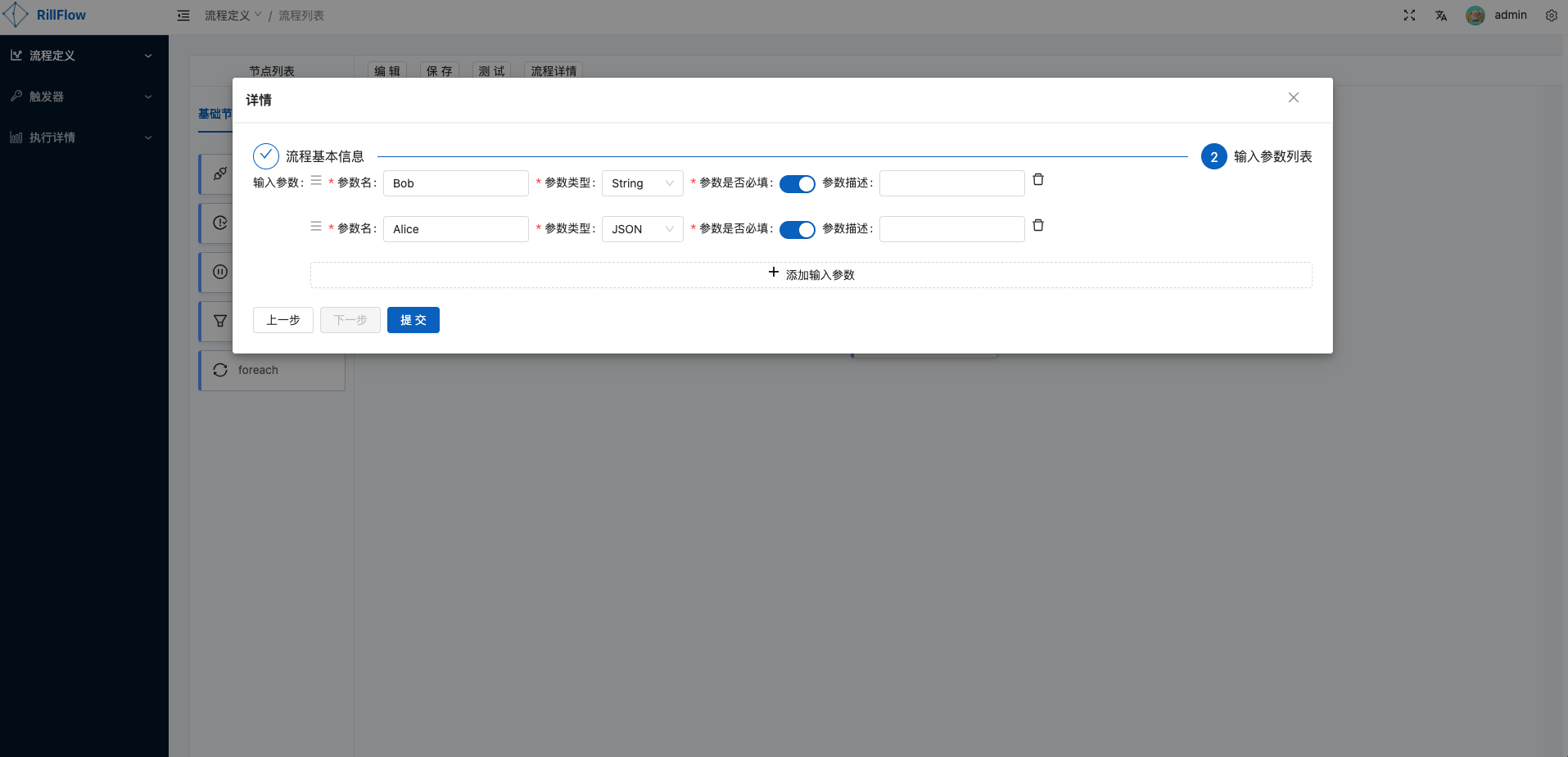
Currently providing多个示例工作流, can be imported directly.A workflow yaml information can be viewed by the
process detailsbutton.